What Is Windows 10s Mode | Is It Better Than Windows 10
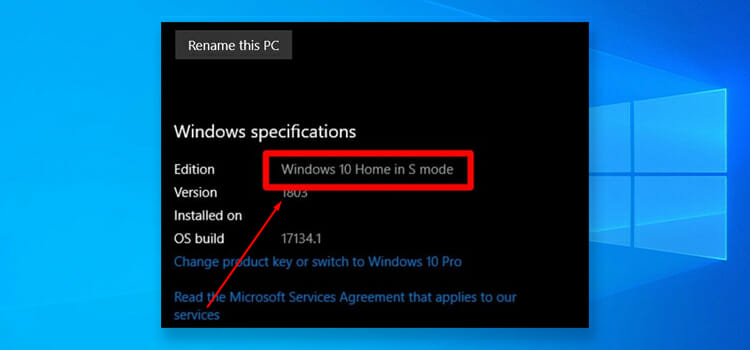
According to Microsoft, Windows 10s mode is a fork of Windows 10 that’s built based on security and performance while retaining the same Windows experience as the regular one. Like any other OS, it has its own sets of ups and downs.
Continue reading below to find out more about what is Windows 10s mode and if it is any better than the regular one.
And if you have made up your mind to try it, we have a guide mentioning how to get Windows 10s at the end of this article.
Windows 10s Mode: Explained
Unlike any other windows updates where the new version of operating systems keeps pushing the limits and possibilities to new features, windows 10s mode rather limits the resources. Applications downloaded only from the Microsoft store are allowed to be installed in windows 10s.
Following are what Windows 10s offers:
- Improved system security is said to be the key feature of the windows 10s mode as it runs applications only verified from the Microsoft store. So any threat to the security of your computer is the last thing to fear if you’re using windows 10s mode.
- Everlasting performance is assured as you are not using lots of processing power as you used on a conventional operating system. In this mode, You can expect your computer to run like new.
- Reduced Boot time has always been on the list of demands of PC users and in windows 10s your computer will just boot in less than 15 seconds. That’s some feature every PC users want!
- Optimized Battery Backup in windows 10s makes a huge difference with the conventional OS especially if you’re using a laptop. As it is more like a beta version of windows 10, the S mode uses less power than other OS, up to 15%!
- Autosave files to cloud service is another smart feature of windows 10s which enables you to access files on your PC from anywhere just if you’re privileged with the internet.
- Plenty of Applications are stored in the Microsoft store and to be found based on your necessity and more importantly, all apps are safe to use in Windows 10s.
Pros and Cons of Windows 10s
As we’ve mentioned earlier, just like the regular version, widows 10s too, is not free from its downsides. However, lets start with its pros.
Advantages of Windows 10s
As it is less demanding on your hardware, Windows 10s is more energy efficient. So, for cheaper computers, older laptops, it can breather a new life in. It typically gives longer battery life as well.
Because Windows 10s is built with security in mind, there’s less chance of getting virus and malware attacks. Also, with the S version, you get to enjoy the pro features, which is something to consider if you were using Windows home edition.
Disadvantages of Windows 10s
Not having the ability to download anything from outside sources can be a bit of a bummer with Windows 10s. Although Microsoft won’t admit it, their App Store is not that rich yet.
Also, if you were using Chrome or Firefox, say goodbye to them. Because with Windows 10s, Edge is the only internet browser you get to use. Hence, Bing is your only option when searching the internet.
How to Get windows 10s Mode
Here’s a step-by-step guide on how to get Windows 10s on your computer.
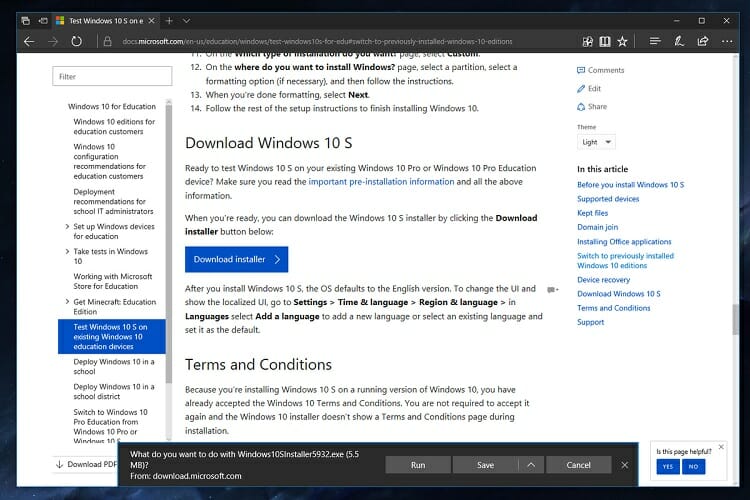
- First, open any browser and search for Microsoft’s official website or just click here and download the installer for Windows 10s.
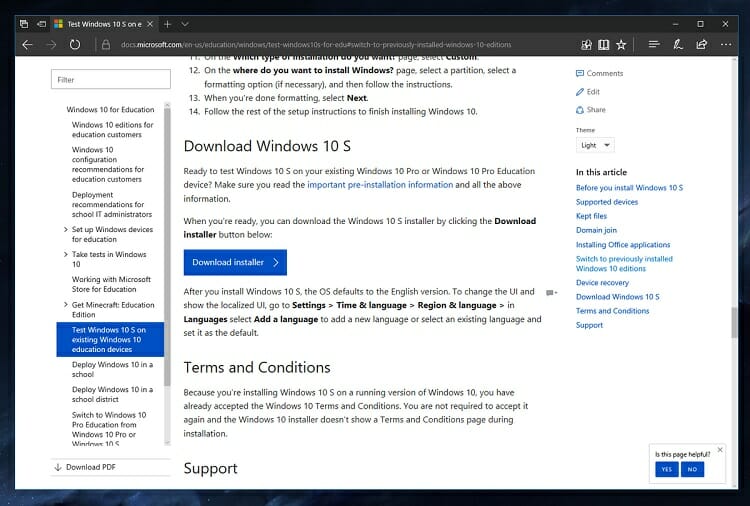
- After completing the download Run the downloader .exe file as administrator.
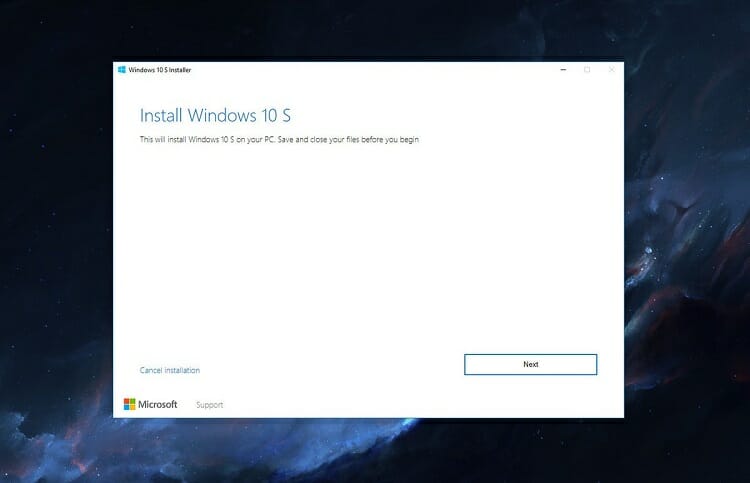
This should open the installation window.
- Click on Next on the installation window.
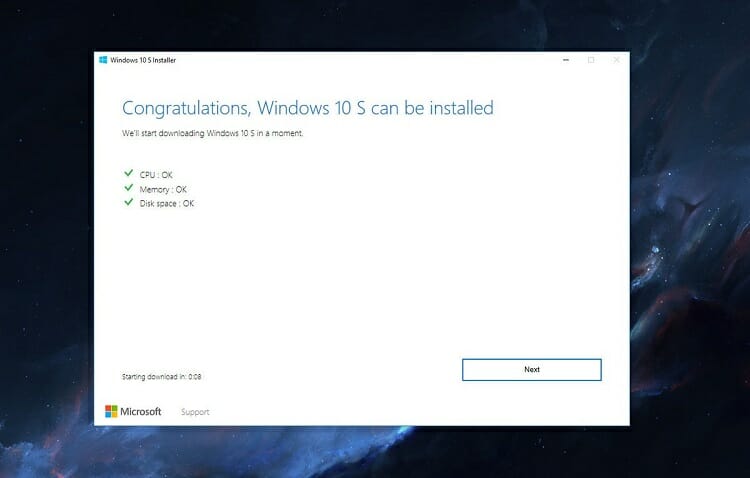
Now the installer is checking if your PC is compatible with Windows 10s OS.
- If your pc is compatible with Windows 10s, click on ‘Next’.
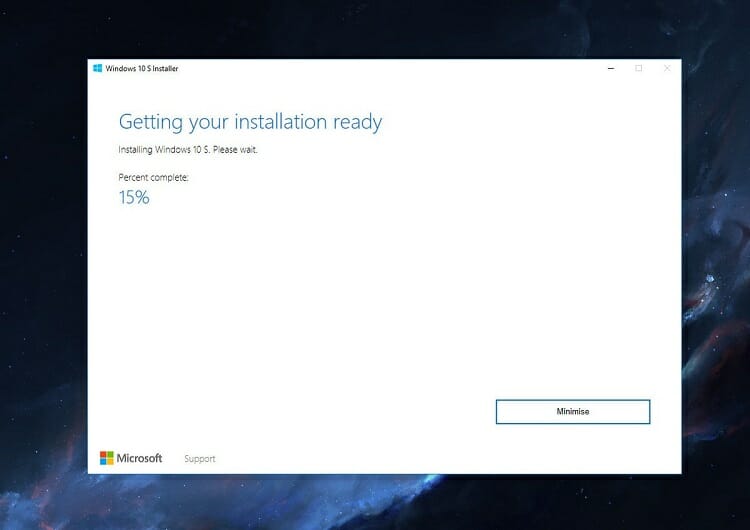
- Now the installer will start downloading the Windows 10s.
- Once the download is complete you need to restart your PC. So, click on Restart now
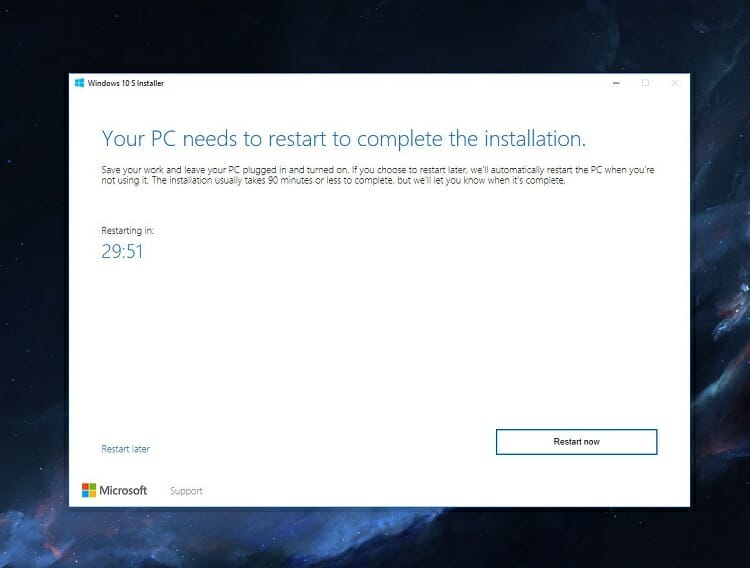
- Installation of Windows 10s will now start while restarting the PC.
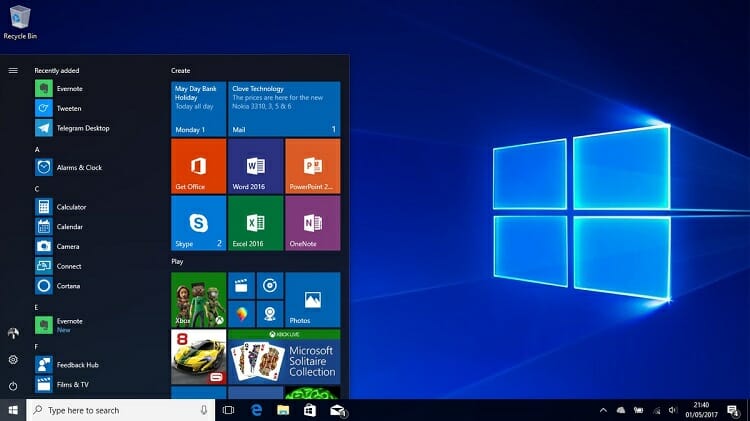
- Once the installation is complete your PC will be turned back ON and there you have it! Windows 10s Mode.
Frequently Asked Questions and Answers
Is it OK to turn off S mode?
If you want to use applications out of the Windows App Store, you have to turn off the S mode. To do it, go to Update & Security. There you’ll find the option to turn it off.
Will switching out of S mode hurt my computer?
Other than missing out on the features that the S mode has to offer, there’s no practical downside you switching out of the S mode. Apps that you have downloaded from the App Store, as well as the Security app will continue to run normally.
Is Windows 11 the same as Windows 11 S mode?
No, it is not. Windows 11s is just like Windows 10s. Its UI is the same as the regular Windows 11 but features are more related to Windows 10s.
Conclusion
Windows 10s mode is proven useful for various schooling and commercial purpose. But many users tend to avoid this feature for the dependency on third-Party apps which are not allowed to be installed in the Windows 10s mode operating system.
Subscribe to our newsletter
& plug into
the world of technology