
Adobe Creative Cloud Comparison 2026
Find the Perfect Adobe Plan for Your Creative Work
Choosing the right Adobe Creative Cloud plan can be confusing with so many options. Whether you’re a photographer, designer, video editor, or all-in-one creator, this comparison breaks down the best Adobe plans, features, pricing, and current deals so you can pick the perfect one.
We’ve researched and tested the best Adobe Creative Cloud plans to help you make an informed choice. In this comparison guide, we’ll walk you through the top options, highlighting their key features, pros, cons, and current pricing (as of January 31, 2026). Plus, we’ll share exclusive affiliate deals so you can save on your creative journey!
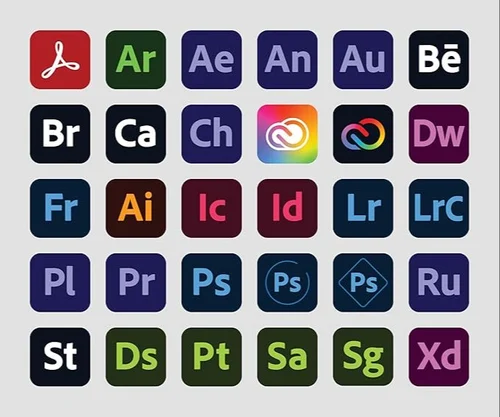
|
Plan |
Features
|
Rating |
Further info |
|---|---|---|---|
Creative Cloud All Apps (Pro) |
|
9.5 |
|
Photography Plan |
9.3 |
||
Photoshop Single App |
9.0 |
||
Illustrator Single App |
|
9.1 |
|
Premiere Pro Single App |
|
8.9 |
How to Choose the Right Adobe Creative Cloud Plan for You
Consider Your Needs:

All-in-one creative power
If you need access to multiple professional tools (photo editing, vector design, video production, etc.), go for Creative Cloud All Apps (Pro)

Photography & image editing
If your main focus is photography, retouching, or Lightroom workflows, choose the Photography Plan (Photoshop + Lightroom)

Single specialized tool
If you only need one core application, select a Single App plan — Photoshop for raster editing, Illustrator for vectors, or Premiere Pro for video.

Budget & starting out
If cost is a concern or you’re just beginning, start with a Single App plan or the Photography Plan — both are significantly more affordable than the full suite.
Pro Tip
Before committing to any Adobe plan, take advantage of the 7-day free trial to explore the apps, interface, AI features (Firefly), cloud storage, and workflow. This will help you experience the tools firsthand and decide which plan truly fits your creative goals.
Detailed Reviews
1. Creative Cloud All Apps (Pro)
Rating – 4.7
The ultimate toolkit for professional creators who use multiple Adobe applications. Access every major desktop and mobile app with the latest AI features powered by Firefly.
Key Features:
Pros and cons
Pricing:
$69.99/month (annual commitment, billed monthly)
2. Photography Plan
Rating – 4.6
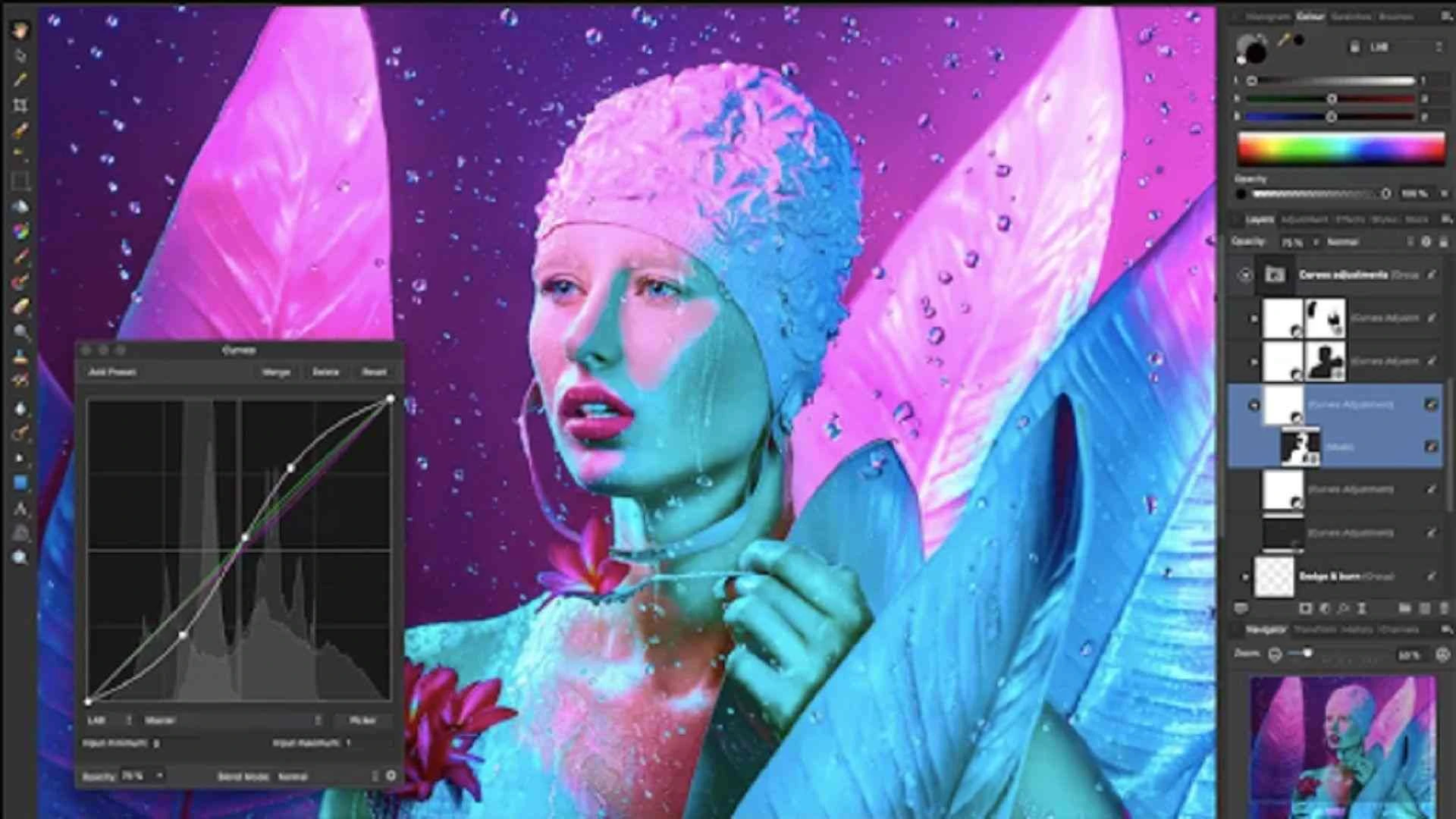
Perfect balance for photographers, retouchers, and anyone primarily working with photos.
Key Features:
Pros and cons
Pricing:
$9.99/mo (20 GB) or $19.99/mo (1 TB) – annual commitment
3. Photoshop Single App
Rating – 4.8
Focused plan for image editing, compositing, digital art, and design work
Key Features:

Pros and cons
Pricing:
$22.99/month (annual commitment)
4. Illustrator Single App
Rating – 4.7
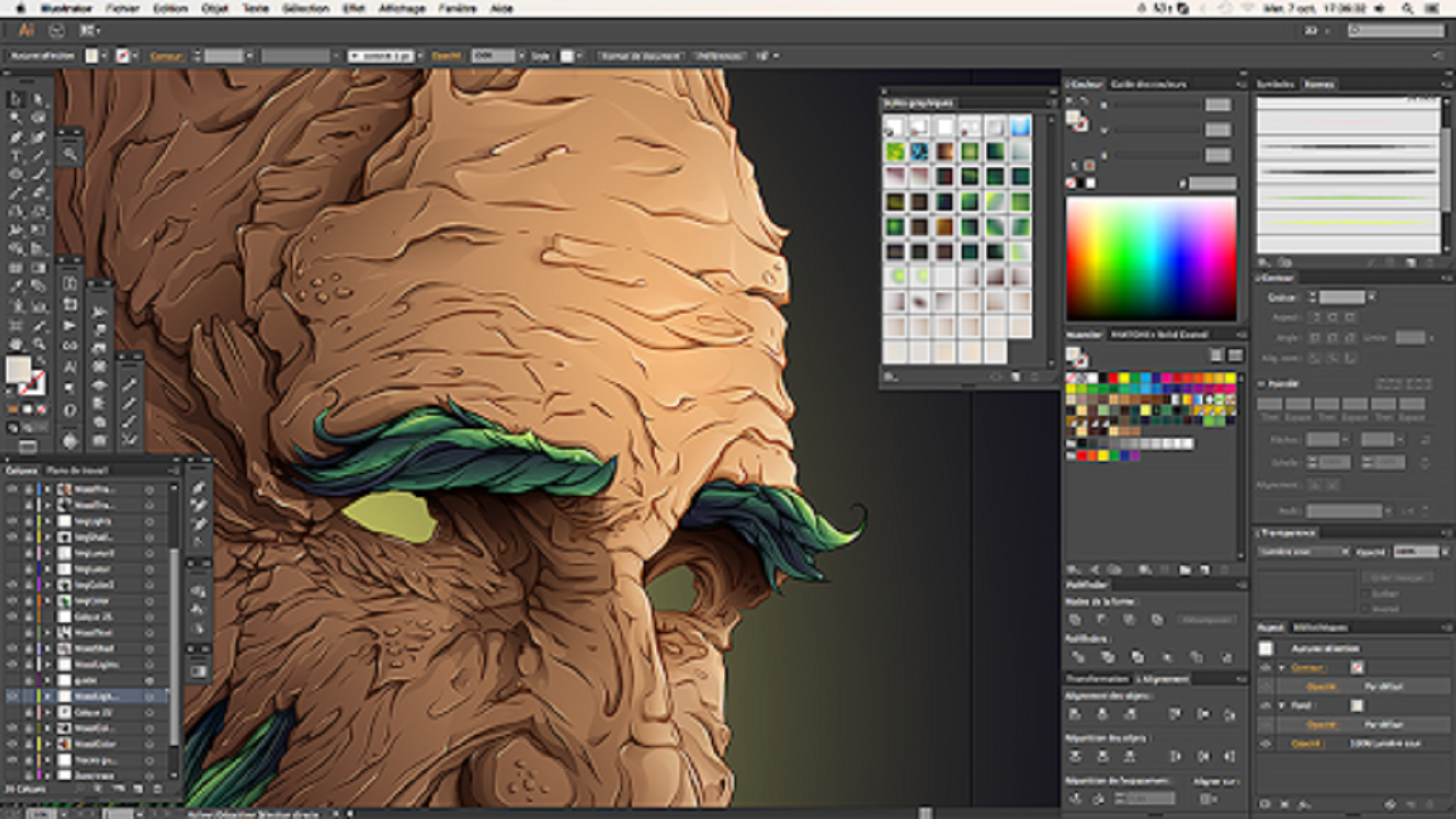
The go-to tool for vector graphics, logo design, illustrations, typography, and print/digital design.
Key Features:
WordPress Pros and cons
Pricing:
$22.99/month (annual commitment)
5. Premiere Pro Single App
Rating – 4.6
Professional video editing software used in film, TV, YouTube, commercials, and social content.
Key Features:

Pros and cons
Pricing:
$22.99/month (annual commitment)