
Skip to content
techdim.com
  • Home
  • Best Website Builders 2025
  • Hardware
  • SoftwareExpand
    • Android
    • Windows
  • How to
  • Online
  • MoreExpand
    • Technology
    • Difference
    • Artificial Intelligence
techdim.com

Adobe Creative Cloud Comparison 2026

Find the Perfect Adobe Plan for Your Creative Work

Choosing the right Adobe Creative Cloud plan can be confusing with so many options. Whether you’re a photographer, designer, video editor, or all-in-one creator, this comparison breaks down the best Adobe plans, features, pricing, and current deals so you can pick the perfect one.

We’ve researched and tested the best Adobe Creative Cloud plans to help you make an informed choice. In this comparison guide, we’ll walk you through the top options, highlighting their key features, pros, cons, and current pricing (as of January 31, 2026). Plus, we’ll share exclusive affiliate deals so you can save on your creative journey!
Plan

Features

Rating

Further info

Creative Cloud All Apps (Pro)

  • 20+ apps (Photoshop, Illustrator, Premiere Pro, After Effects, Acrobat & more)
  • 100 GB storage
  • Adobe Fonts, Portfolio, Unlimited Firefly AI credits

9.5

Visit Site

Photography Plan

  • Photoshop + Lightroom (desktop & mobile)
  • 20 GB or 1 TB storage
  • Portfolio & web galleries, AI editing tools

9.3

Visit Site

Photoshop Single App

  • Full Photoshop + Lightroom
  • 100 GB storage
  • Generative Fill/Remove, Adobe Fonts

9.0

Visit Site

Illustrator Single App

  • Full Illustrator
  • 100 GB storage
  • AI vector recolor & generation, Adobe Fonts

9.1

Visit Site

Premiere Pro Single App

  • Full Premiere Pro
  • 100 GB storage
  • AI auto-reframe & color match, After Effects integration

8.9

Visit Site

How to Choose the Right Adobe Creative Cloud Plan for You


Consider Your Needs:

All-in-one creative power

If you need access to multiple professional tools (photo editing, vector design, video production, etc.), go for Creative Cloud All Apps (Pro)

Photography & image editing

If your main focus is photography, retouching, or Lightroom workflows, choose the Photography Plan (Photoshop + Lightroom)

Single specialized tool

If you only need one core application, select a Single App plan — Photoshop for raster editing, Illustrator for vectors, or Premiere Pro for video.

Budget & starting out

If cost is a concern or you’re just beginning, start with a Single App plan or the Photography Plan — both are significantly more affordable than the full suite.

Pro Tip

Before committing to any Adobe plan, take advantage of the 7-day free trial to explore the apps, interface, AI features (Firefly), cloud storage, and workflow. This will help you experience the tools firsthand and decide which plan truly fits your creative goals.

Detailed Reviews


1. Creative Cloud All Apps (Pro)

Rating – 4.7

The ultimate toolkit for professional creators who use multiple Adobe applications. Access every major desktop and mobile app with the latest AI features powered by Firefly.

Key Features:
  • 20+ apps including Photoshop, Illustrator, Premiere Pro, After Effects, Acrobat Pro, InDesign, XD, Animate, and more
  • 100 GB cloud storage (upgradeable)
  • Adobe Fonts, Adobe Portfolio, Behance integration
  • Unlimited standard + premium generative AI credits

Pros and cons 

  • Best overall value if you use 3+ apps
  • Constant new AI tools (Firefly image/vector/generative fill)
  • Seamless integration between apps
  • Professional-grade output
  • Higher monthly cost if you only need 1–2 apps
  • Subscription-only model (no perpetual license)

Pricing:

$69.99/month (annual commitment, billed monthly)

Try Creative Cloud All Apps Free Trial Now

2. Photography Plan

Rating – 4.6

Perfect balance for photographers, retouchers, and anyone primarily working with photos.

Key Features:
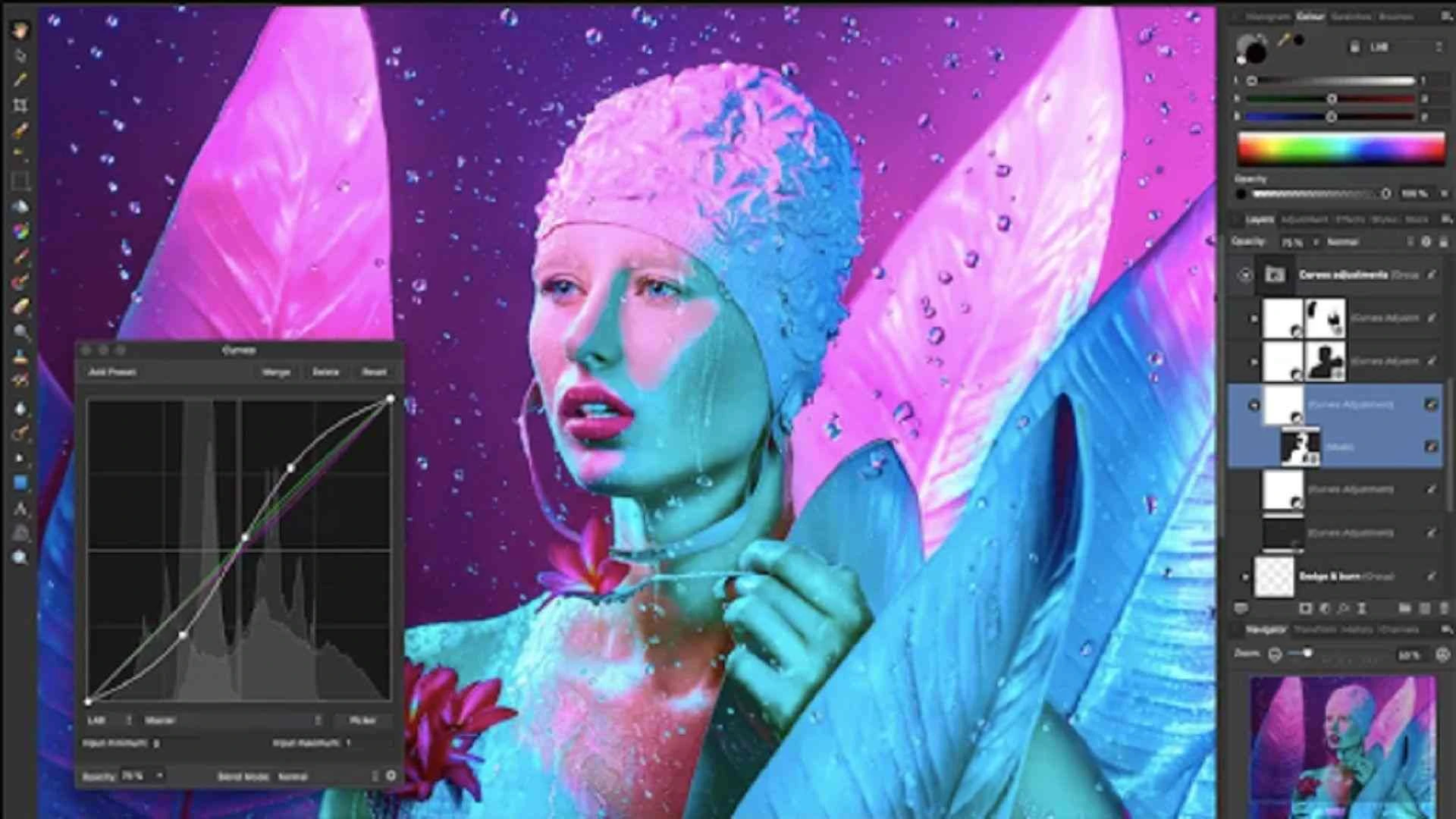
  • Photoshop + Lightroom Classic + Lightroom (desktop, mobile, web)
  • 20 GB or 1 TB cloud storage options
  • Adobe Portfolio website builder
  • Web galleries and client proofing
  • AI-powered masking, denoising, generative remove/fill

Pros and cons 

  • Excellent value for photo-focused creators
  • Mobile editing syncs seamlessly
  • Great for client workflows
  • No Illustrator, Premiere, After Effects or other non-photo apps
  • 20 GB tier fills quickly with RAW files

Pricing:

$9.99/mo (20 GB) or $19.99/mo (1 TB) – annual commitment

Get the Photography Plan Now

3. Photoshop Single App

Rating – 4.8

Focused plan for image editing, compositing, digital art, and design work

Key Features:

  • Full Photoshop desktop + iPad version
  • Lightroom included, Adobe Fonts
  • 100 GB cloud storage
  • Generative Fill, Generative Expand, Remove Tool, Neural Filters

Pros and cons 

  • Industry-standard photo editing & manipulation
  • Powerful AI tools save hours of manual work
  • Works well for digital painting & UI design
  • No vector tools (Illustrator) or video (Premiere/After Effects)
  • More expensive than Photography plan if you only need photo editing

Pricing:

$22.99/month (annual commitment)

Try Photoshop Single App

4. Illustrator Single App

Rating – 4.7

The go-to tool for vector graphics, logo design, illustrations, typography, and print/digital design.

Key Features:
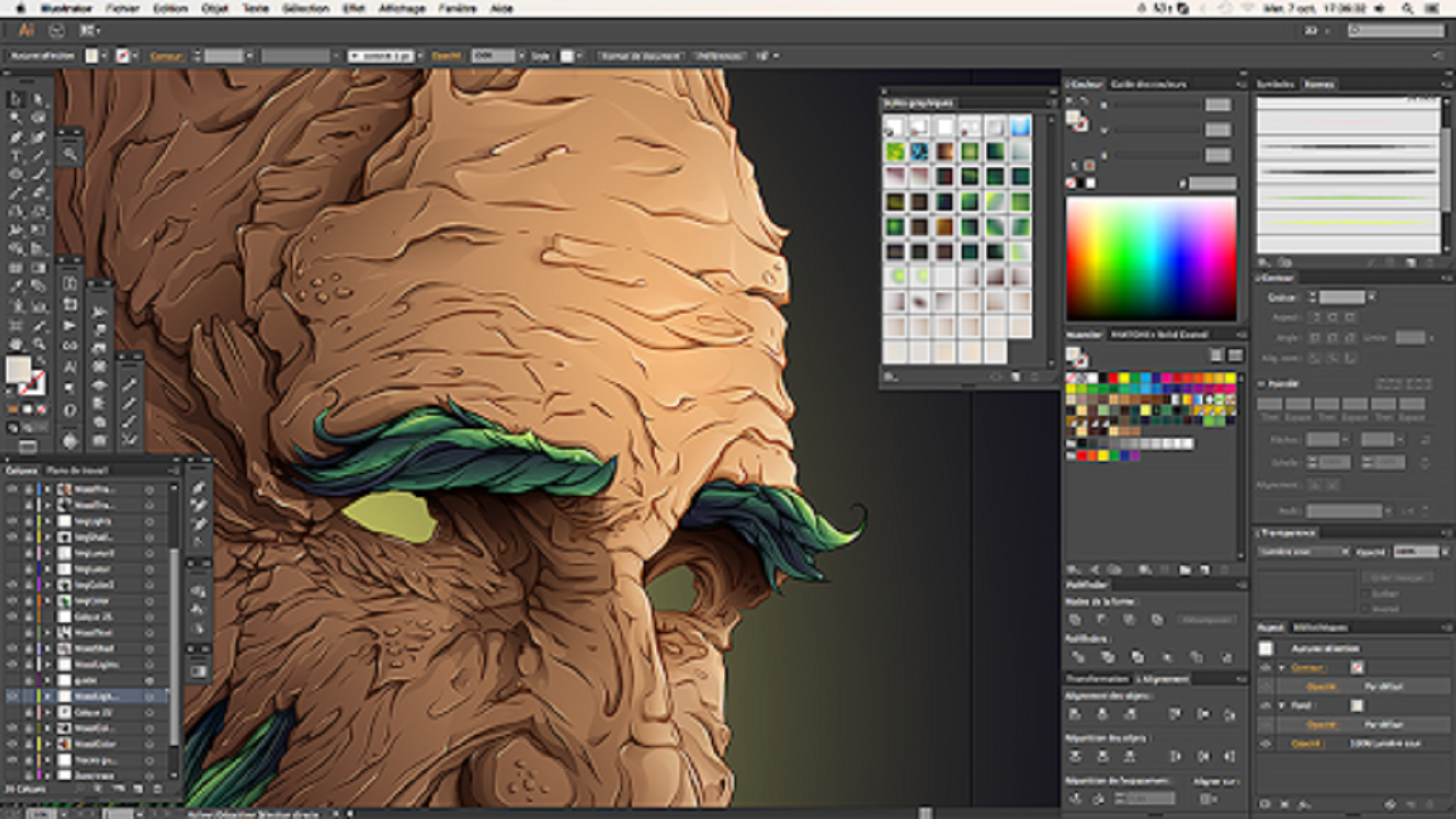
  • Full Adobe Illustrator
  • 100 GB cloud storage
  • AI-powered vector recolor, generation, and cleanup
  • Seamless export to SVG, PDF, EPS, etc.

WordPress Pros and cons 

  • Best-in-class vector creation & editing
  • Excellent for branding, icons, patterns, packaging
  • AI features speed up repetitive tasks
  • Limited to vector work — no raster editing or video
  • Steeper learning curve for beginners

Pricing:

$22.99/month (annual commitment)

Try Illustrator Single App

5. Premiere Pro Single App

Rating – 4.6

Professional video editing software used in film, TV, YouTube, commercials, and social content.

Key Features:

  • Full Adobe Premiere Pro
  • Integration with After Effects, Audition, Photoshop
  • AI Auto Reframe, Color Match, Scene Edit Detection
  • Multi-cam editing, caption tools

Pros and cons 

  • Industry standard for non-linear video editing
  • Excellent collaboration via Team Projects
  • Powerful AI tools for faster turnaround
  • No After Effects included (separate app)
  • Requires powerful hardware for 4K/8K workflows

Pricing:

$22.99/month (annual commitment)

Try Premiere Pro Single App

FAQ


Yes — especially with Firefly AI, constant updates, cloud libraries, and seamless app integration. The subscription model ensures you always have the latest features and security patches.

Yes. Most Adobe plans offer a 7-day free trial. Click any “Visit Site” or “Try Now” link above to start yours.

Yes. You can upgrade, downgrade, or switch between plans at any time through your Adobe account (some restrictions apply during promo periods).

The main difference is storage. 20 GB is enough for light users; 1 TB is better for professionals shooting RAW files or maintaining large photo libraries.

Yes. Verified students and teachers can get up to 60% off Creative Cloud All Apps (usually ~$19.99/mo instead of $69.99/mo). Verification is done through SheerID.

Start your free trial today and take advantage of current promotions (especially the 40% off first year on All Apps – ends soon).

techdim.com
Join Our Community:

Quick Links

  • About us
  • Privacy Policy
  • Terms and Conditions
  • Contact

Discover Techdim

  • Hardware Optimize your computer setup.
  • Software Streamline functionality and troubleshoot.
  • Solutions Practical fixes for tech issues.

© Copyright 2026 Techdim | All Rights Reserved.

Go to mobile version
  • Home
  • Best Website Builders 2025
  • Hardware
  • Software
    • Android
    • Windows
  • How to
  • Online
  • More
    • Technology
    • Difference
    • Artificial Intelligence
Search